Agents on Android XR: background tasks and the cell
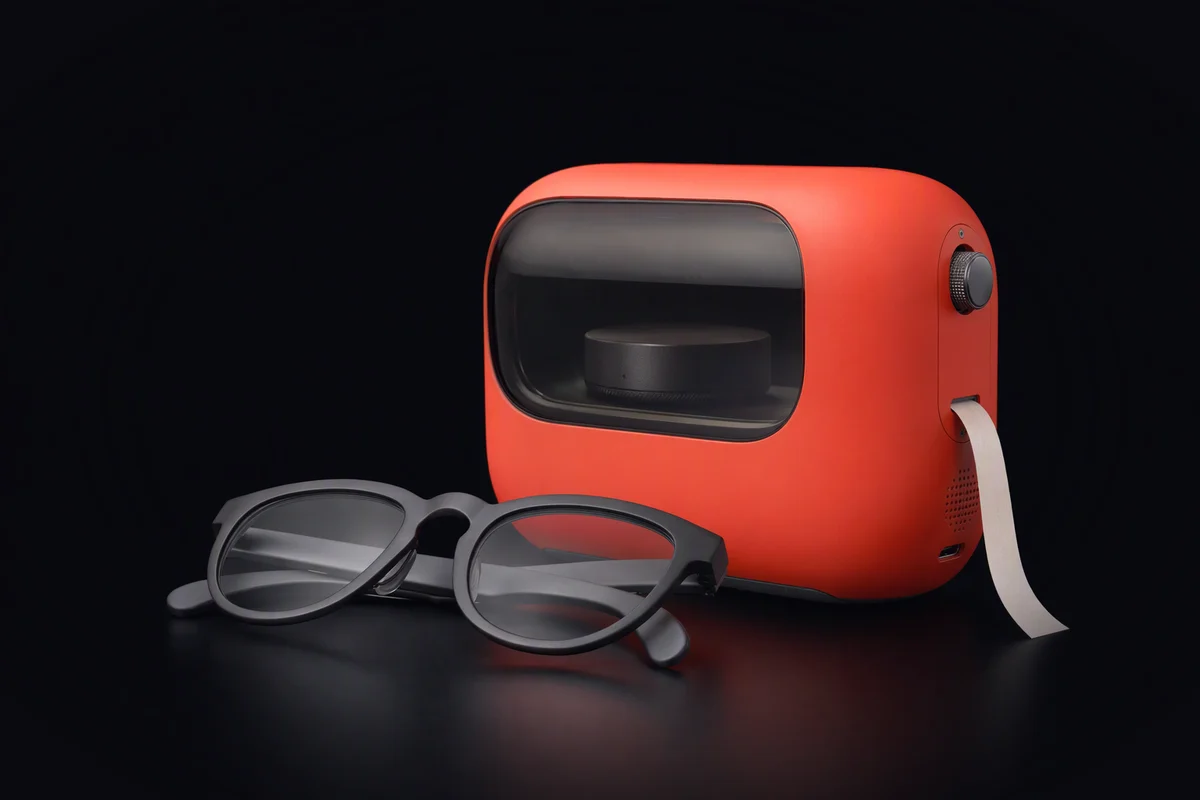
You look at a restaurant across the street and say: book us a table there for eight, and tell Anna. The glasses hear it and see the sign. The phone in your pocket does the rest: finds the place, opens a booking app, picks a time, writes to Anna. By the time you have crossed the road it is done.
That is roughly how Google describes agents on Android XR. At I/O in May 2026 it showed glasses that work with a phone, Android or iOS, while Gemini carries out multi-step tasks on the phone in the background; the glasses are its voice and camera. For developers, the Android XR SDK offers Jetpack Projected, where an app runs on a host device such as a phone and projects its experience to the glasses. The work happens in the pocket. For anyone who builds agents, the next questions are where exactly, with what rights, and what is left on the record afterwards.
The real cause: phone isolation was built for apps, not for agents
A phone platform isolates apps from each other. Each app has its own storage, asks for its own permissions, and cannot read another app’s files. That model is good, and it is what most of Android XR inherits. It was designed for programs a person opens and watches, not for an agent that crosses from app to app on its own, many steps at a time, while nobody is looking.
An assistant layer that can open apps and move through the interface for you sits above that isolation by design. Its job is to cross the boundaries the app sandbox draws. So the boundary around one task, this booking and this message, is not drawn by anything.
Where background tasks get hard to reason about
Isolation between apps, not around a task. The booking app cannot read your messages, but the assistant driving both can. Nothing holds “book a table” to the two apps it needs.
Rights sized for the assistant, not for the step. The step that reads a restaurant’s opening hours runs with the same authority as the step that writes to Anna.
The network belongs to the app. An app with network access can reach any host. There is no rule that says this step may talk to this booking service and nothing else.
No trajectory you hold. You see the result: a confirmation and a sent message. A list of every step, every page read and every connection made is not something you get to keep.
Unclear where it runs. Google has not published how much of this work happens on the glasses, on the phone or in the cloud, so you cannot reason about what a step exposes.
To be fair, the platform gets several things right. Projected puts the heavy work on a host and keeps the glasses light. Jetpack Compose Glimmer is built for see-through displays, which pushes towards short, glanceable output. The Device Availability API tells an app whether the glasses are actually being worn, which is exactly the signal an agent needs to decide when it can ask you something.
What KyberAgent does instead
KyberAgent does not run on Android XR and Kyber does not integrate with it. It is also pre-launch. This is how we approach the same problem.
A cell per sub-agent, not per app. Each agent in a swarm runs in its own KyberCell: the files and programs it can use are fixed when the cell is created, the network is closed by default and opened per program, and secrets are injected only at the endpoint they are authorised for. KyberCell explained covers the details, and KyberLinux, which makes cells possible, compares itself with the Linux under Android XR in Android XR is Linux underneath.
Rights sized for the step. The sub-agent that reads opening hours can reach one website and nothing else. The one that sends a message has the messaging credential added on the way out and cannot read your calendar.
A trajectory you hold. The cell, not the agent, writes down every model call, tool call, file
and connection (kyber agent trace, an illustrative command). That record lives with you, as
described in every step on the record.
Questions go through the assistant, to the body you are wearing. Sensitive steps stop and go up to KyberBot, which asks you on whatever device you have on. The difference between an assistant that is yours and one that is part of the platform is the subject of Android XR: the assistant in the system.
Where it runs is part of the plan. Each step is marked as running on the deck, on a home node or on KyberFusion, so you can read what leaves the house before it does. The cloud behind your eyes looks at the camera stream in particular.
For a company building on any platform, including Android XR, the useful habit is a written way out; KYBERTIS covers that in Android XR with an exit clause. How a glance becomes a task in the first place is in from the glasses to the swarm.
A test you can run today
On your phone, open the permissions of the app you would let an assistant drive, a booking or delivery app. Look for network access: you will find a single switch, or none, and no list of hosts. Then ask the assistant to do one multi-step task in that app and, afterwards, try to list every step it took without asking it.
If you write software, install the glasses emulator from the Android XR SDK and build one small Projected sample. Write down three things: which device runs your code, which hosts it can reach, and what record of its steps exists when it finishes. Those three answers are what a cell is for. More on KyberAgent is on the homepage.
- Android XR
- background tasks
- KyberCell
- isolation
- trajectory